Add your signature. Download the PDF.
Add a drawn signature or initials to a PDF online for free. Position the signature, review the finished page, and export a completed copy in your browser.
Manual filling and downloads are free. Optional AI needs an account and credits.
Try a form right here
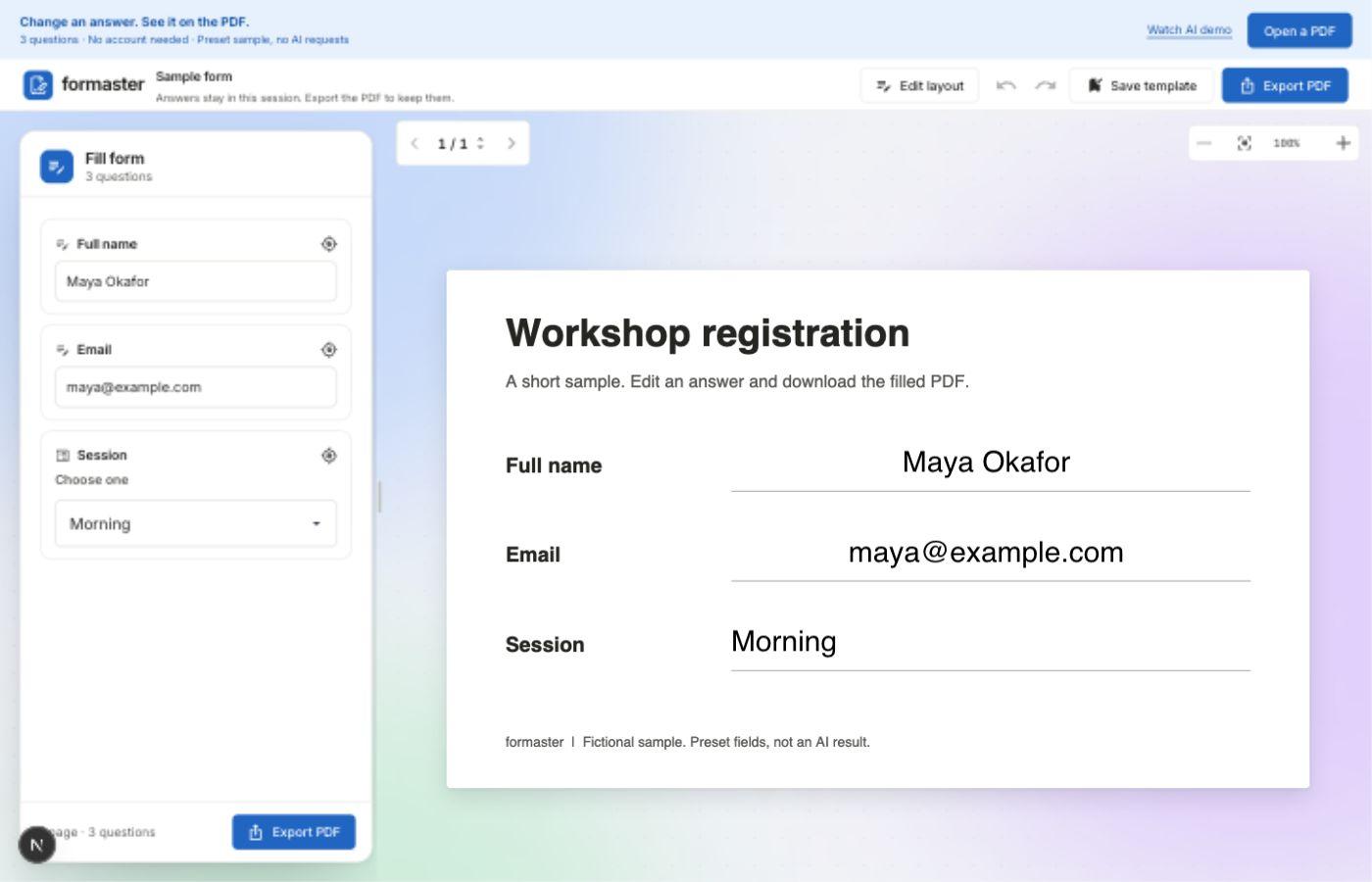
Edit an answer. See it on the page. Download the sample PDF.
- Full name
- Maya Okafor
- maya@example.com
- Session
- Morning
Fictional sample · Preset fields · No AI requests
Make space for your signature
Open your PDF and add a Signature field in Edit layout. Place it over the signature line, then switch to Fill form and use the signature pad. Add a Date field where the document needs one.
Check the finished page
Make sure the signature fits inside its intended area and that the document's other answers are correct. Export PDF to download the completed copy before closing your session.
A signature image, with clear limits
Formaster places a visual signature on your PDF. It does not provide identity verification, a certificate-backed digital signature, an audit trail, or a multi-party signature request service. Ask the recipient which signing method they accept.
See the form and the PDF together
Switch between filling and layout editing. Check the page before you export.
Questions, answered
Is signing free?
Adding a signature manually and exporting the PDF are free and do not need an account or AI credits.
Is this the same as a certified digital signature?
No. A drawn signature is a visual mark. It is different from a cryptographic signature or a verified signing workflow. Acceptance depends on the recipient and document requirements.