Fill your PDF online. Keep the original layout.
Fill PDF forms online for free in your browser. Add text, checkboxes, dates, and signatures, then download the completed PDF without an account.
Manual filling and downloads are free. Optional AI needs an account and credits.
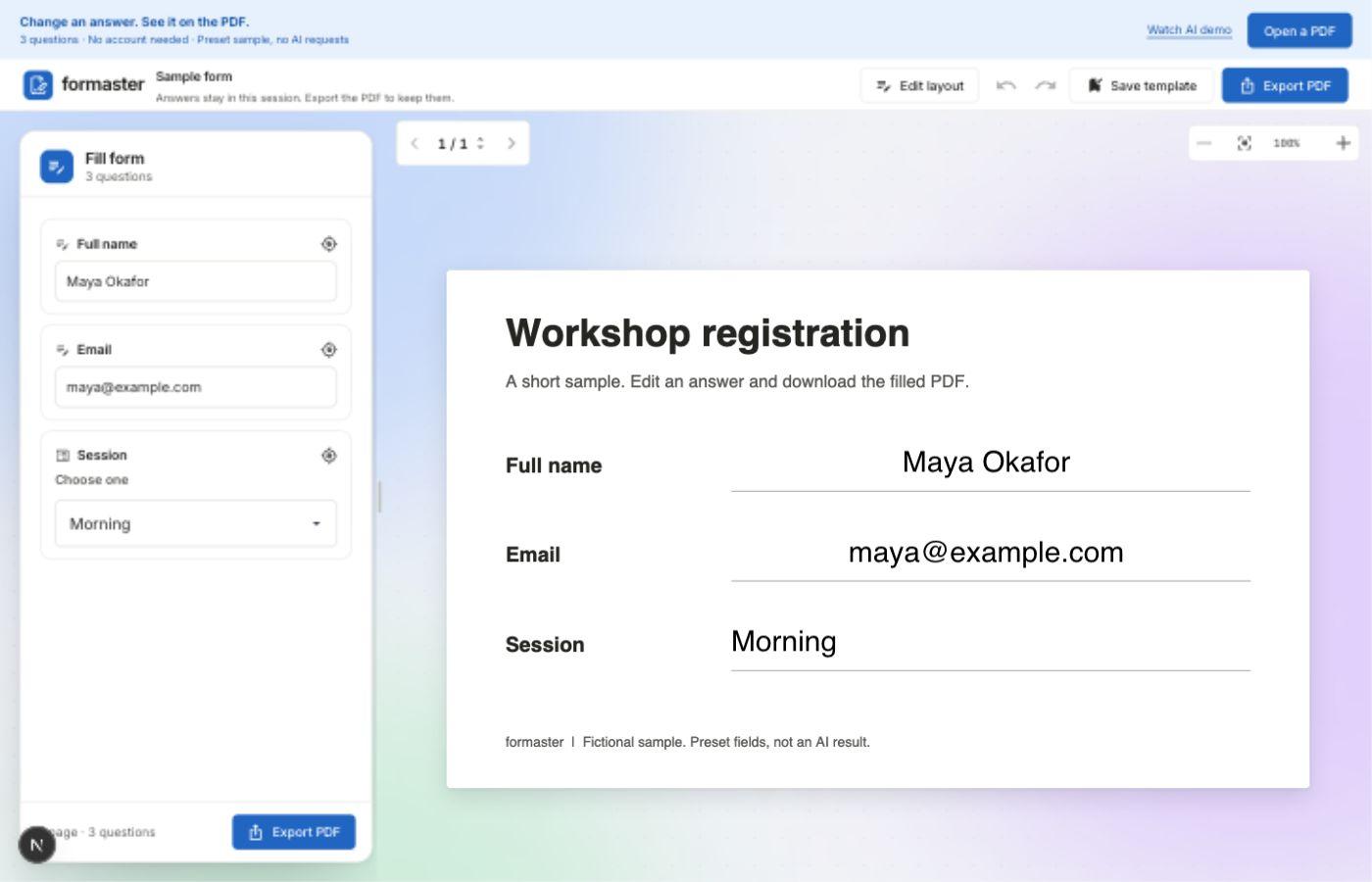
Try a form right here
Edit an answer. See it on the page. Download the sample PDF.
- Full name
- Maya Okafor
- maya@example.com
- Session
- Morning
Fictional sample · Preset fields · No AI requests
Open a PDF, start with the fields
If your PDF already has interactive fields, Formaster imports them. For a flat PDF, place fields manually in Edit layout or choose optional AI fill to suggest them.
Check the page as you type
Switch to Fill form to answer the questions. Use the PDF preview to check that names, dates, and long answers fit the spaces on the page.
Download a completed copy
Export PDF writes the answers into a copy of the original document. You can fill and download without signing up. Save a reusable template when you need the same layout again.
See the form and the PDF together
Switch between filling and layout editing. Check the page before you export.
Questions, answered
Do I need to install software?
No. Use Formaster in a current browser on your computer, phone, or tablet. The PDF editor runs in the browser.
Can I fill a PDF without an account?
Yes. Opening a PDF, placing fields manually, filling, and exporting work without an account. AI and translation require an account and credits.