When the PDF won’t let you type, add a field.
Fill a non-fillable PDF without printing. Place text, dates, checks, and signatures over flat pages in your browser and download a completed copy.
Manual filling and downloads are free. Optional AI needs an account and credits.
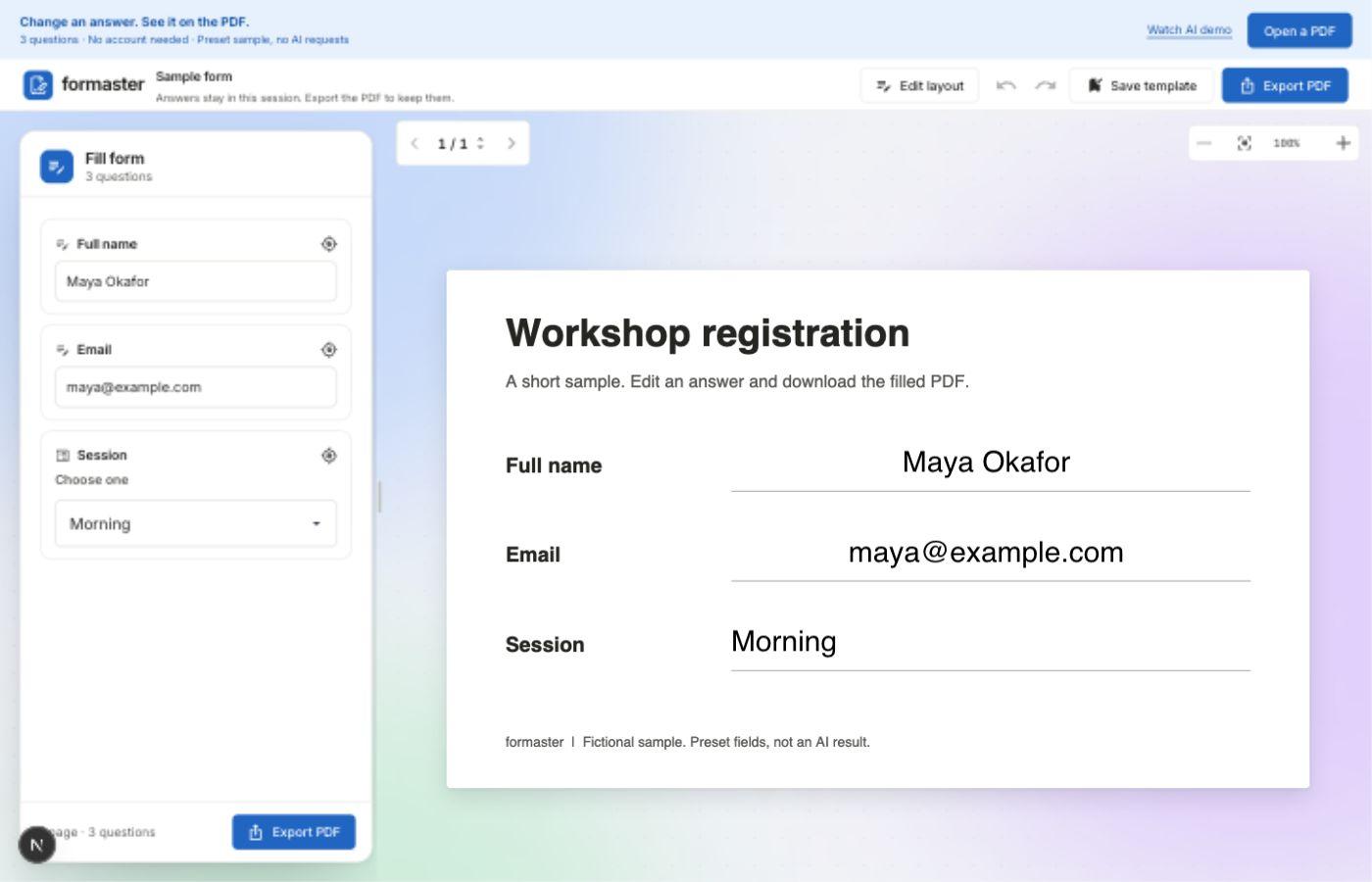
Try a form right here
Edit an answer. See it on the page. Download the sample PDF.
- Full name
- Maya Okafor
- maya@example.com
- Session
- Morning
Fictional sample · Preset fields · No AI requests
Why the PDF will not accept typing
A PDF can contain printed lines and boxes without interactive fields. It may also be a scan. Both look like forms but need answer fields added before you can use them as one.
Place only what you need
Open the PDF in Edit layout, choose a field type, and place it over a blank space. Resize the field and check its alignment. Use Fill form to enter the answers together.
Keep a clean copy for next time
Save the layout as a template if you expect to fill the document again. Each new session can start with the same field positions rather than the previous person's answers.
See the form and the PDF together
Switch between filling and layout editing. Check the page before you export.
Questions, answered
Can I bypass a document password?
You need permission to edit the document and, where required, its password. Formaster does not grant permission to alter a restricted document.
Will filling change the original file?
Export creates a downloadable completed copy. Keep your original separately and review the exported copy before sending it.