A scanned form you can actually fill.
Add text, dates, checkboxes, and signatures to scanned PDF forms. Use manual placement for free or optional AI field detection, then export your completed scan.
Manual filling and downloads are free. Optional AI needs an account and credits.
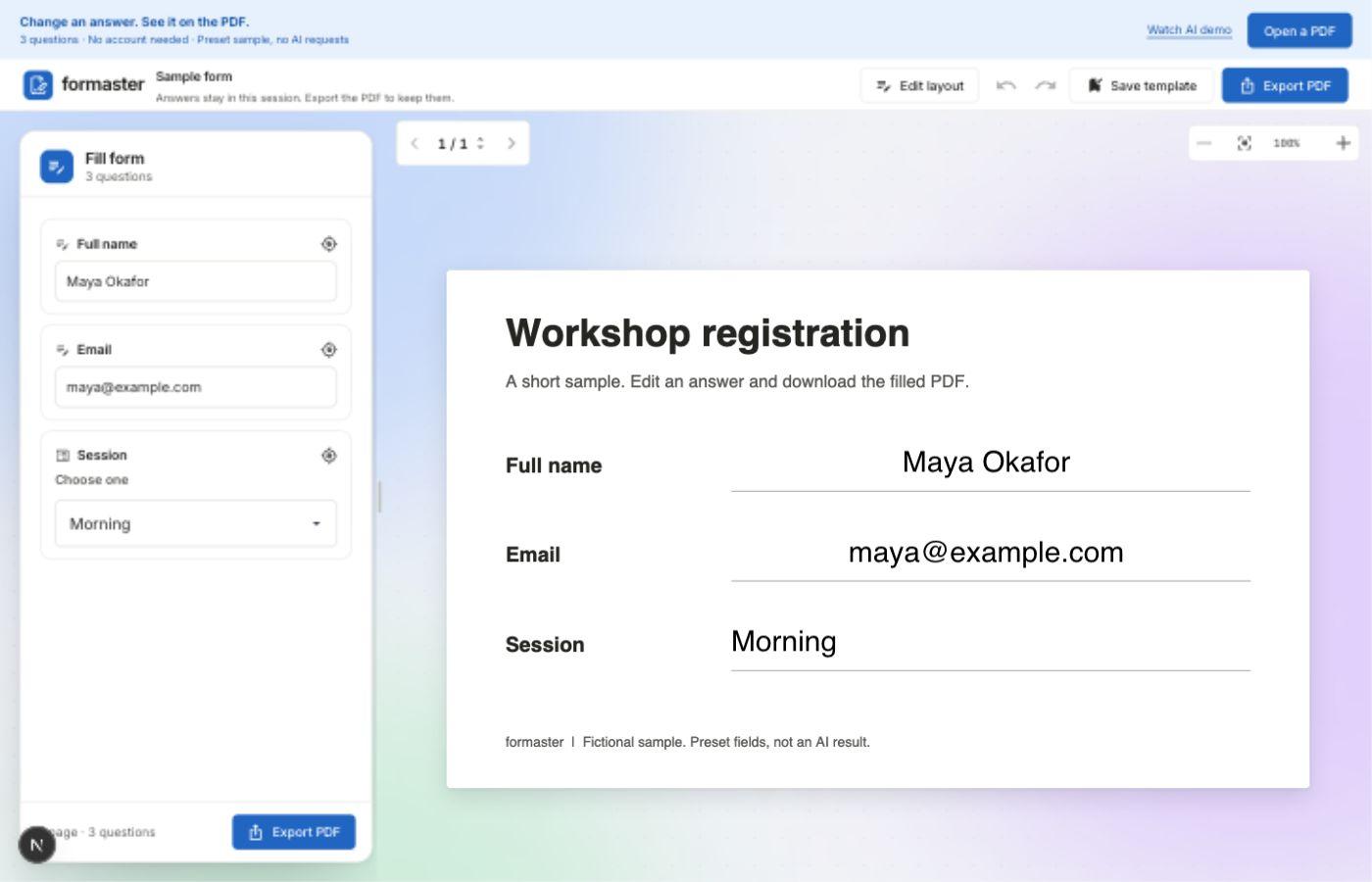
Try a form right here
Edit an answer. See it on the page. Download the sample PDF.
- Full name
- Maya Okafor
- maya@example.com
- Session
- Morning
Fictional sample · Preset fields · No AI requests
Work with the scan you have
A scanned PDF is usually a picture of a page. Clicking a printed line will not create a typing cursor. Formaster adds answer fields over the scan while keeping the original page as the background.
Give field detection a clear page
A straight, well-lit scan with readable labels gives AI more useful information. For faint print, handwriting, angled photos, or crowded tables, review carefully and place missing fields yourself.
Photos work too
You can open supported PNG, JPG, or WebP images and prepare them as PDF pages in the workspace. Crop and orient the pages before placing fields to keep the finished document readable.
See the form and the PDF together
Switch between filling and layout editing. Check the page before you export.
Questions, answered
Do I need searchable text in the scan?
No. You can place fields on an image-only PDF manually. AI detection can use page images, but accuracy depends on scan quality.
Does Formaster rewrite the scanned text?
No. The original scan remains the page background. This workflow adds answers; it is not a tool for replacing the printed text of the scan.