Put every answer in its place.
Edit PDF form layouts online with precise field placement, seven field types, tables, and reusable templates. Fill and export for free; AI is optional.
Manual filling and downloads are free. Optional AI needs an account and credits.
Try a form right here
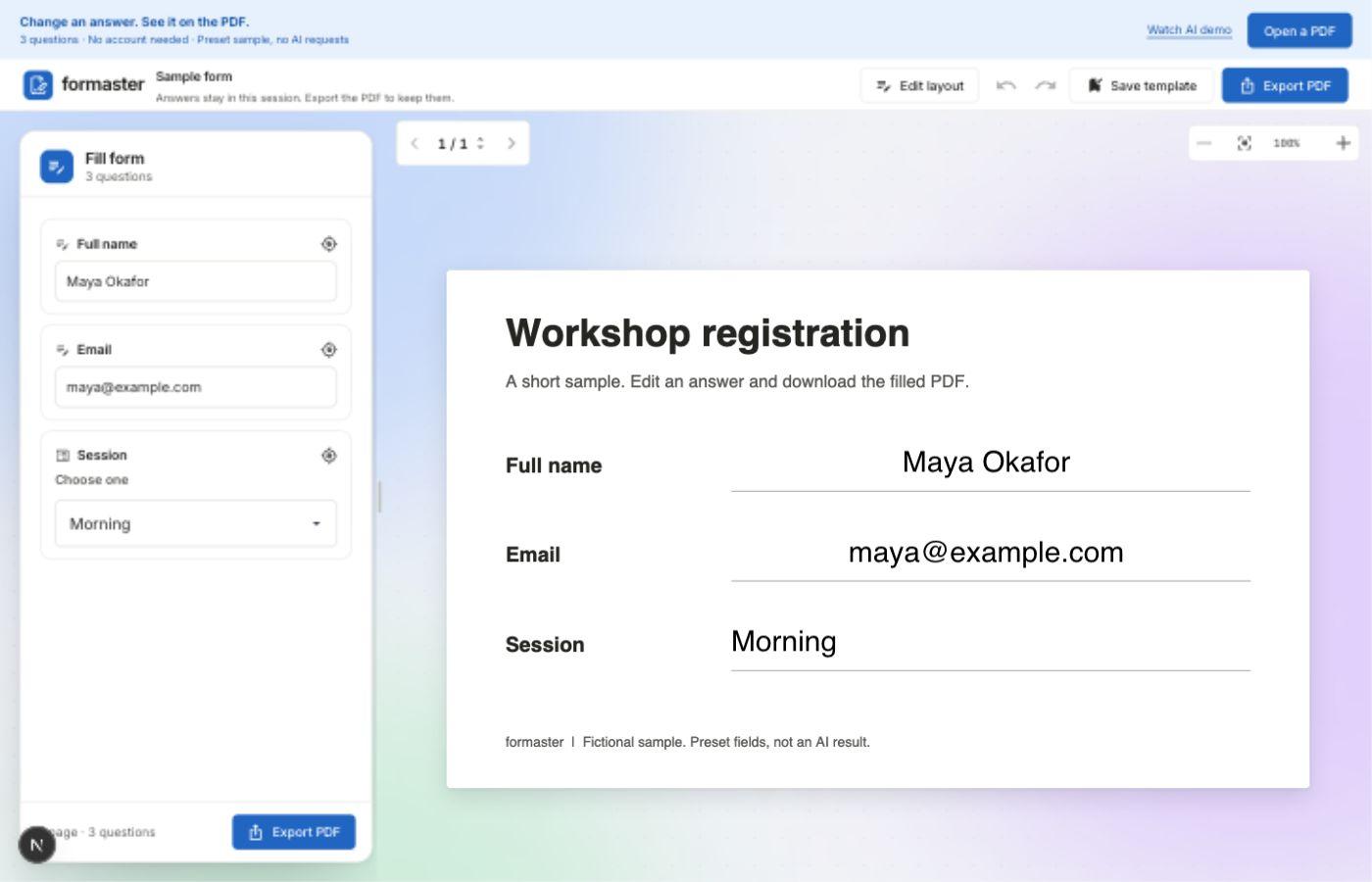
Edit an answer. See it on the page. Download the sample PDF.
- Full name
- Maya Okafor
- maya@example.com
- Session
- Morning
Fictional sample · Preset fields · No AI requests
A layout editor for answers
Add and adjust text fields, dropdowns, dates, checkboxes, signatures, initials, and images. Move fields with arrow keys and zoom into small boxes when placement needs care.
Build around repeated information
Use linked answers where one value belongs in several places. Tables and reusable layouts help with documents that repeat the same structure across rows or copies.
Know the editing boundary
Formaster focuses on filling forms and placing answers. It is not a general page-design editor for rewriting all existing paragraphs, removing arbitrary objects, or reconstructing a PDF's original source file.
See the form and the PDF together
Switch between filling and layout editing. Check the page before you export.
Questions, answered
Can I edit the original printed wording?
Formaster adds and edits answer fields. It does not offer general word-processor editing of a PDF's original printed text.
Can I save my layout?
Yes. Free accounts can save 3 local templates. Paid plans include unlimited templates and cloud storage. Export a completed PDF to keep your entered answers.