Turn a PDF into questions you can answer.
Convert a flat or scanned PDF into an editable form in Formaster. Review AI-detected fields, fill the questions, and export the original PDF with your answers.
Manual filling and downloads are free. Optional AI needs an account and credits.
Try a form right here
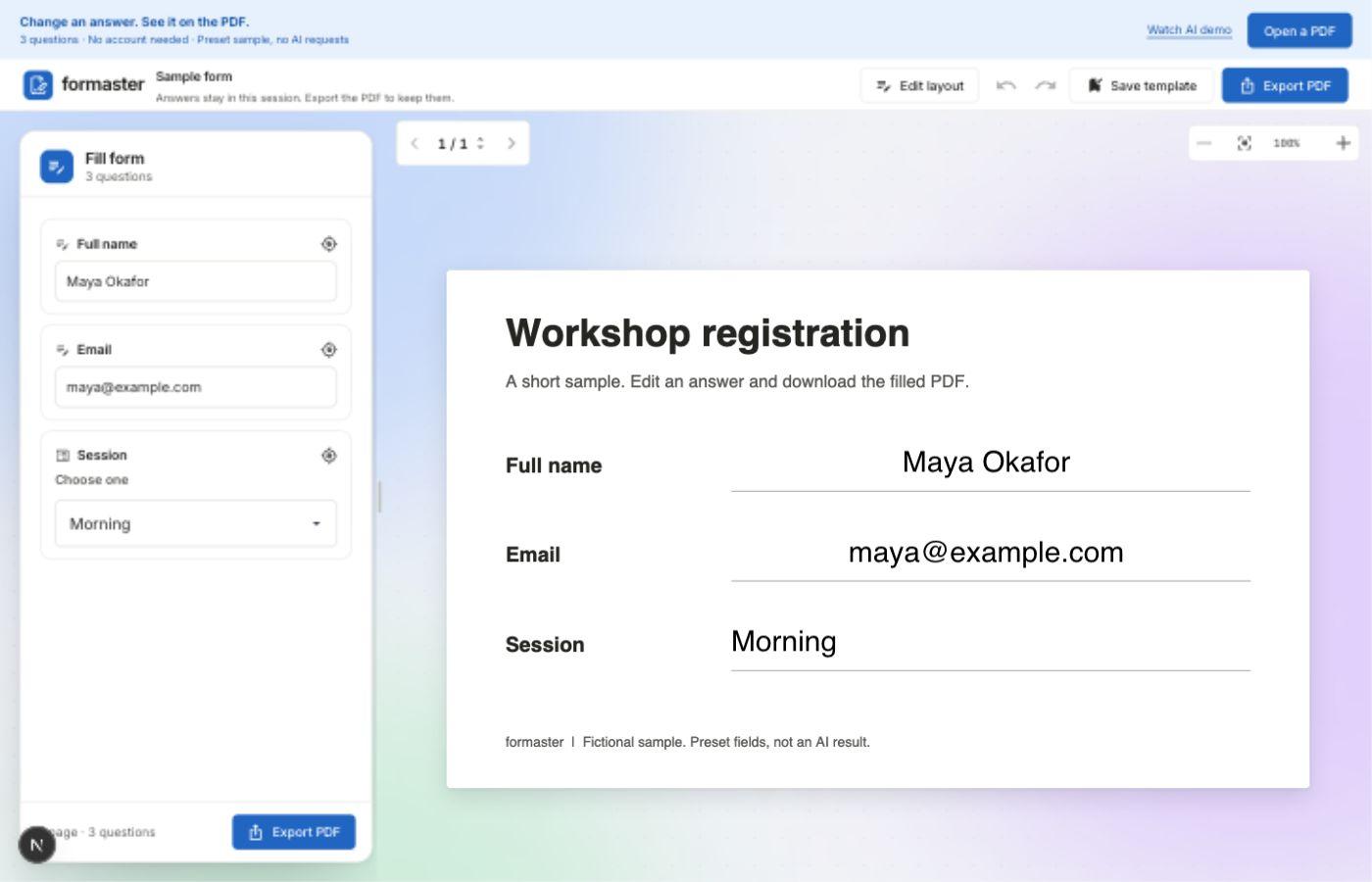
Edit an answer. See it on the page. Download the sample PDF.
- Full name
- Maya Okafor
- maya@example.com
- Session
- Morning
Fictional sample · Preset fields · No AI requests
A form built around your document
Start with an existing PDF rather than rebuilding its design. Place answer fields over the document or let AI suggest them. Field types include text, dropdown, date, checkbox, signature, initials, and image.
Separate the layout from the answers
Edit layout sets the questions and their positions. Fill form presents the questions together. This makes a complex document easier to work through without changing its printed structure.
Reuse the setup
Save the field layout as a template to use for another copy. Saved templates keep the layout, not the answers from your current session. Export each completed copy before closing it.
See the form and the PDF together
Switch between filling and layout editing. Check the page before you export.
Questions, answered
Will the download become an interactive AcroForm?
Formaster creates an editable form inside its workspace and exports a completed PDF. It does not promise to turn every flat PDF into a portable interactive AcroForm or a hosted response-collection page.
Do I have to use AI?
No. Place the fields manually for free. Existing PDF form fields can also be imported without AI.