Looking for a Smallpdf alternative?
Consider Formaster for filling forms with reusable layouts and optional translated labels. Fill manually for free, use optional AI, and download your completed original PDF.
Manual filling and downloads are free. Optional AI needs an account and credits.
Try a form right here
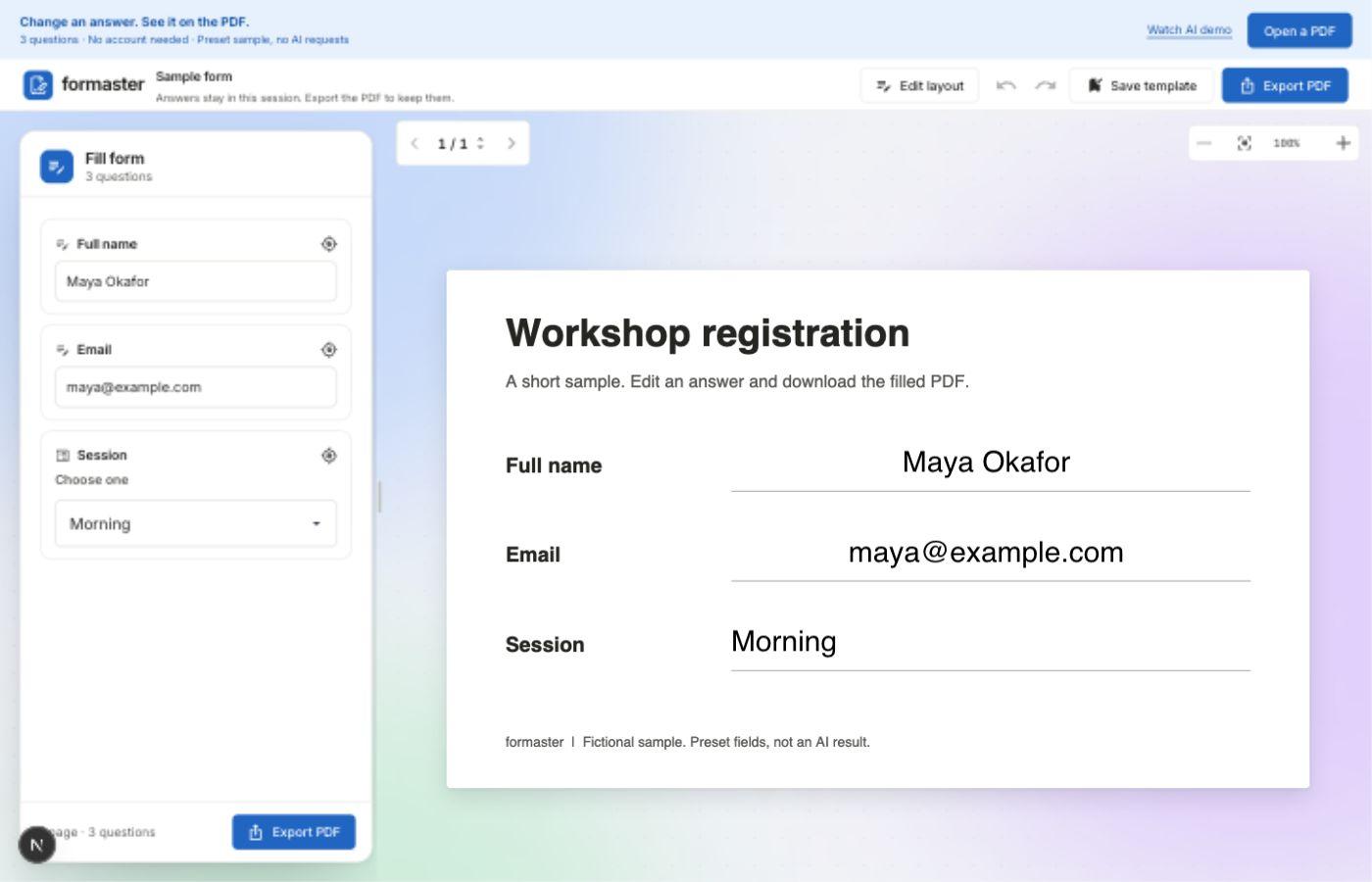
Edit an answer. See it on the page. Download the sample PDF.
- Full name
- Maya Okafor
- maya@example.com
- Session
- Morning
Fictional sample · Preset fields · No AI requests
When Formaster fits
Formaster is worth considering for filling forms with reusable layouts and optional translated labels. Open the document in your browser, add or review the fields, fill the questions, and export a completed copy.
What you can use for free
Manual text, dates, checkboxes, signatures, and PDF downloads need no account. Optional AI needs signup and credits: 5 signup credits once, with paid plans and one-time packs available afterward.
Choose for the whole workflow
Check Smallpdf's current offering if your main task is broad document conversion, compression, or other PDF operations outside Formaster's form workflow.
See the form and the PDF together
Switch between filling and layout editing. Check the page before you export.
Compare at the source
This page is published by Formaster. It describes our scope rather than claiming feature parity or reproducing competitor prices. Visit Smallpdf’s official website for its current features and terms.
Questions, answered
Does Formaster include every Smallpdf feature?
No. Formaster focuses on PDF form filling, reusable layouts, optional AI placement, and form-label translation. Compare your required workflow rather than assuming feature parity.
How should I compare the cost?
Manual filling and export are free. AI uses credits. Compare your expected AI usage, storage needs, and signing requirements with each provider's current plan details; competitor prices are not reproduced here.